
TRACK 01
Express
Your strongest model. It takes the architecture calls, the hard bugs and the long refactors, and keeps them while its budget holds.
- Claude Fable 5.1
- Claude Opus 5.5
- GPT-6 Astra

Model router for coding agents
One Switchyard key reaches every model you use, and the hard problems stay on your strongest one. As budgets run down, lighter requests ride cheaper tracks, and once every provider limit is spent, our own GPUs keep answering.
Above 75%, mid-difficulty work switches to Track 2.
Drop-in for
How it routes
Rank your models once. Switchyard scores every request and sends it to the highest track that still has budget for it. A conversation stays on the model it started with, and only moves when that model runs out.
Your strongest model. It takes the architecture calls, the hard bugs and the long refactors, and keeps them while its budget holds.
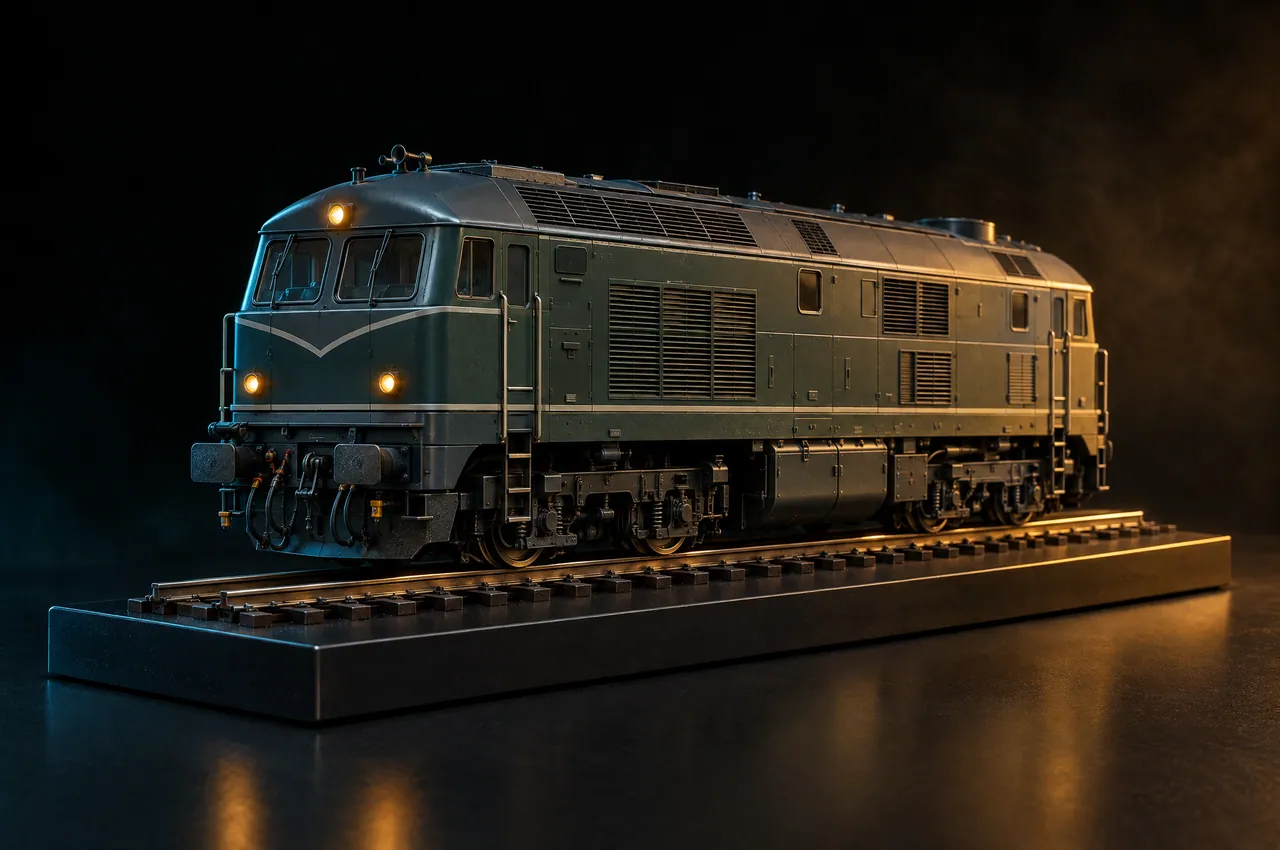
Everyday coding and tool calls. Routine work moves here once Track 1 has spent half of its daily budget.

A small, fast model for renames, summaries, lookups and commit messages. Cheap enough to run all day.
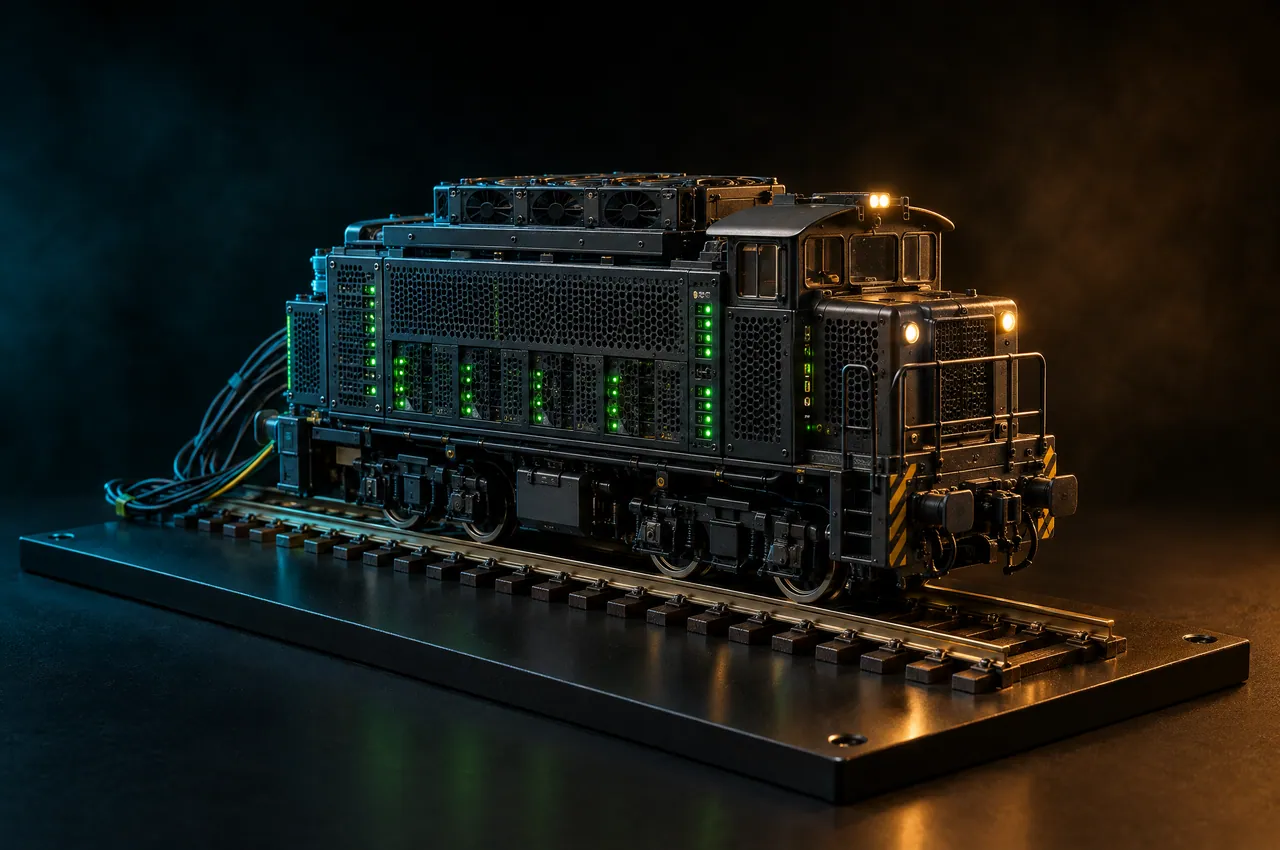
gpt-oss-120b on our own GPUs. When tracks 1 to 3 are out, the work lands here instead of failing.
No provider key needed
Before a request leaves, a small classifier reads the prompt, tools, context size and diff, and gives it a difficulty score from 0 to 100. It adds about 40 ms.
The request goes to the highest track with budget left for that score. As Track 1 spends its daily budget, the score needed to stay there goes up.
Every response carries x-switchyard-model and x-switchyard-track, so you always know who answered. The departure board logs every request.

Yard engine
Track 4 is gpt-oss-120b on Switchyard's own GPUs. It answers with zero provider keys, so when tracks 1 to 3 are out of budget or rate-limited, the work goes there instead of failing. Every reply still names the model that wrote it.
It needs no subscription. Credit from burning $YARD pays for its tokens, and for upgrades when you want them: a warm engine with no cold start, 128K context, and batch runs of up to 100 prompts, 16 at a time.
Setup
Make a key, point your tool's base URL at Switchyard, and you're routing. Add your own provider keys whenever you want requests sorted across your own models. Until then, the Yard engine answers.
Create a key
One key, starts with sy_live_, shown once.
Point your base URL
OpenAI or Anthropic format. Nothing else changes.
Rank your tracks
Put your models in order. Track 1 gets the hard work.
# Send Claude Code through Switchyardexport ANTHROPIC_BASE_URL="https://api.switchyard.space"export ANTHROPIC_AUTH_TOKEN="sy_live_…"claudePaid in $YARD
Switchyard has no subscription. Routing your own provider keys costs nothing. The only thing you pay us for is compute on our GPUs, and you pay for it with $YARD on Solana.
Free, always
Four tracks, scoring, routing, the departure board and the MCP server on your own provider keys. Your provider bills you directly, with no markup from us.
Phantom, Solflare, Backpack or any Solana wallet. You sign a message; no transaction is sent.
Each burn from your wallet turns into credit on your workspace at the rate shown in the dashboard.
Credit pays for Yard engine tokens and the upgrades below. Unused credit stays on the workspace.
Yard engine usage
gpt-oss-120b on our GPUs, per million tokens
$0.40 in · $1.60 out
Warm engine
An engine kept running for you. No cold starts.
Hourly
Long context
128K context on the Yard engine instead of 32K
Daily
Wide batches
16 batch prompts in parallel instead of 4
Daily
$YARD is a utility token used to pay for Switchyard compute. It is not an investment and carries no promise of value.
Any model you have a key for at Anthropic, OpenAI, Google or OpenRouter. A typical setup puts Claude Opus 5.5 or GPT-6 Astra on Track 1, Claude Sonnet 5.5 or Gemini 3.1 Pro on Track 2, and a small model like Claude Haiku 4.5 on Track 3. Track 4 is always the Yard engine, gpt-oss-120b on our GPUs, and it needs no provider key.
A small classifier reads the prompt, the tools attached, the context size and the size of any diff, then gives the request a difficulty score from 0 to 100. That takes about 40 ms. The request goes to the highest track that still has budget for that score.
No. A conversation stays pinned to the model that started it. It only moves when that model can't take another turn: its budget is spent, the provider returns a 429, or the context window is full.
They are encrypted at rest and never written to logs. You can remove them at any time. Your Switchyard key is stored as a hash and shown to you once. Prompts and completions are not stored unless you turn on the 7-day request log.
Nothing. There is no subscription. Your provider bills you for your usage at their normal rates, and we add no markup. You only pay us for compute on the Yard engine, with credit from burning $YARD on Solana.
Three: the daily dollar budget you set for each track, each provider's rate limits (429 responses and their reset headers), and the context window of each model. When one runs out, the request moves to the next track that can take it.
Because then every request gets the cheaper model, including the hard 20% where the strong one earns its price. Switchyard decides per request. Hard work stays on Track 1, and light work only moves down when the budget says it has to.

Green signal
A free key takes a minute to make and works with the tools you already use.